Lossless by default
Remux — never re-encode. A two-hour movie processes in under a minute. Pixels and audio samples are bit-identical to the source.
 FlicksForge
A free Mac & Windows app that tags, organises, and transcodes your video files for Apple TV and Plex. Drop a folder in, walk away, library ready.
🚀 Early-adopter phase. Install today, free of charge with no obligation, and lock in founders' pricing when paid plans arrive.
Remux — never re-encode. A two-hour movie processes in under a minute. Pixels and audio samples are bit-identical to the source.
Embeds iTunes-style metadata + artwork. Proper .m4v with full atoms for
TV.app. Clean filenames and folder layout for Plex.
Drop a messy release-group filename. FlicksForge figures out the title, year, and episode, pulls the poster, writes the atoms. Review only the uncertain ones.
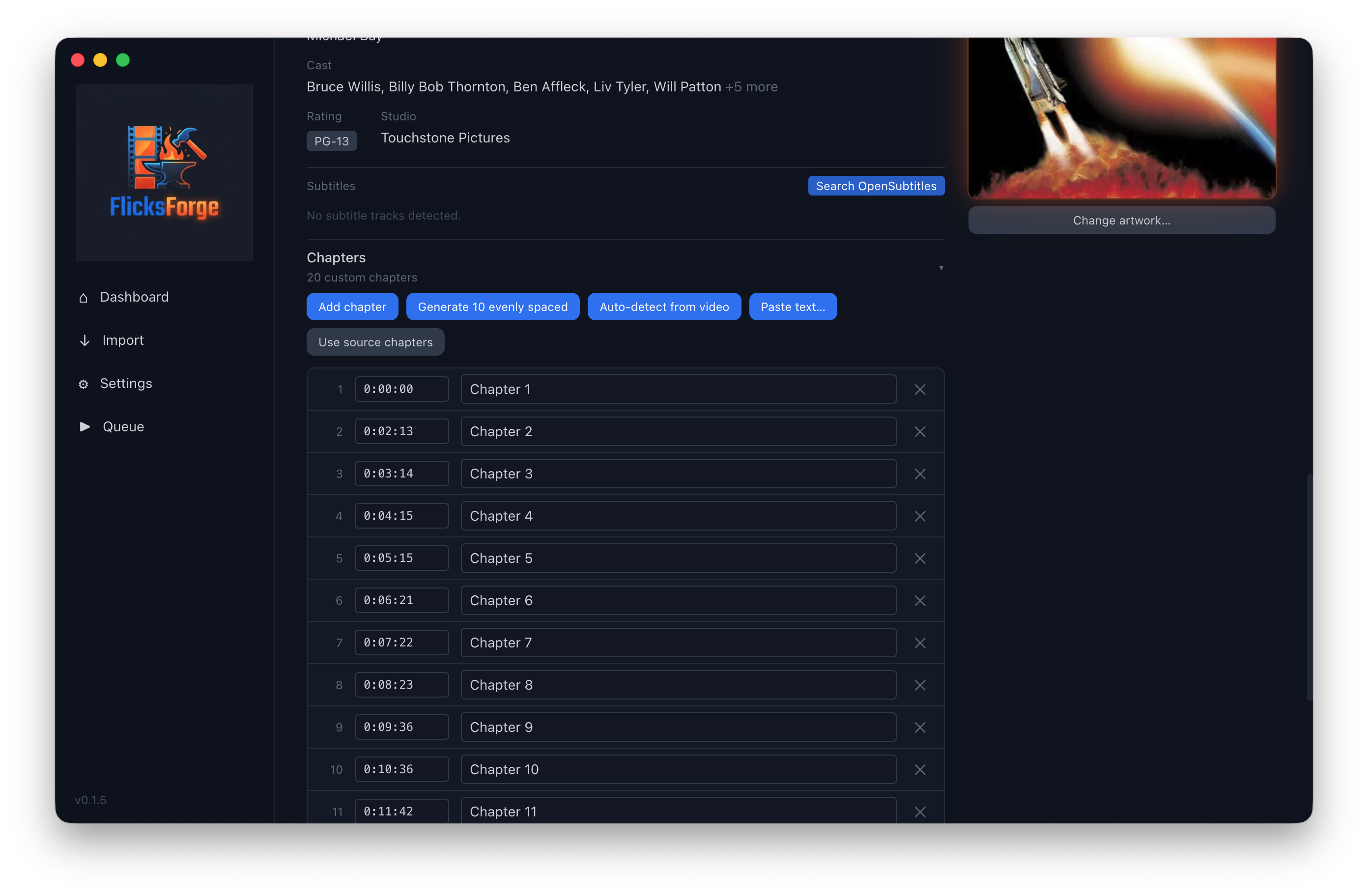
Source chapters preserved automatically. Or auto-detect chapters from scene changes — no external service required. Manual editor for when you want to polish.
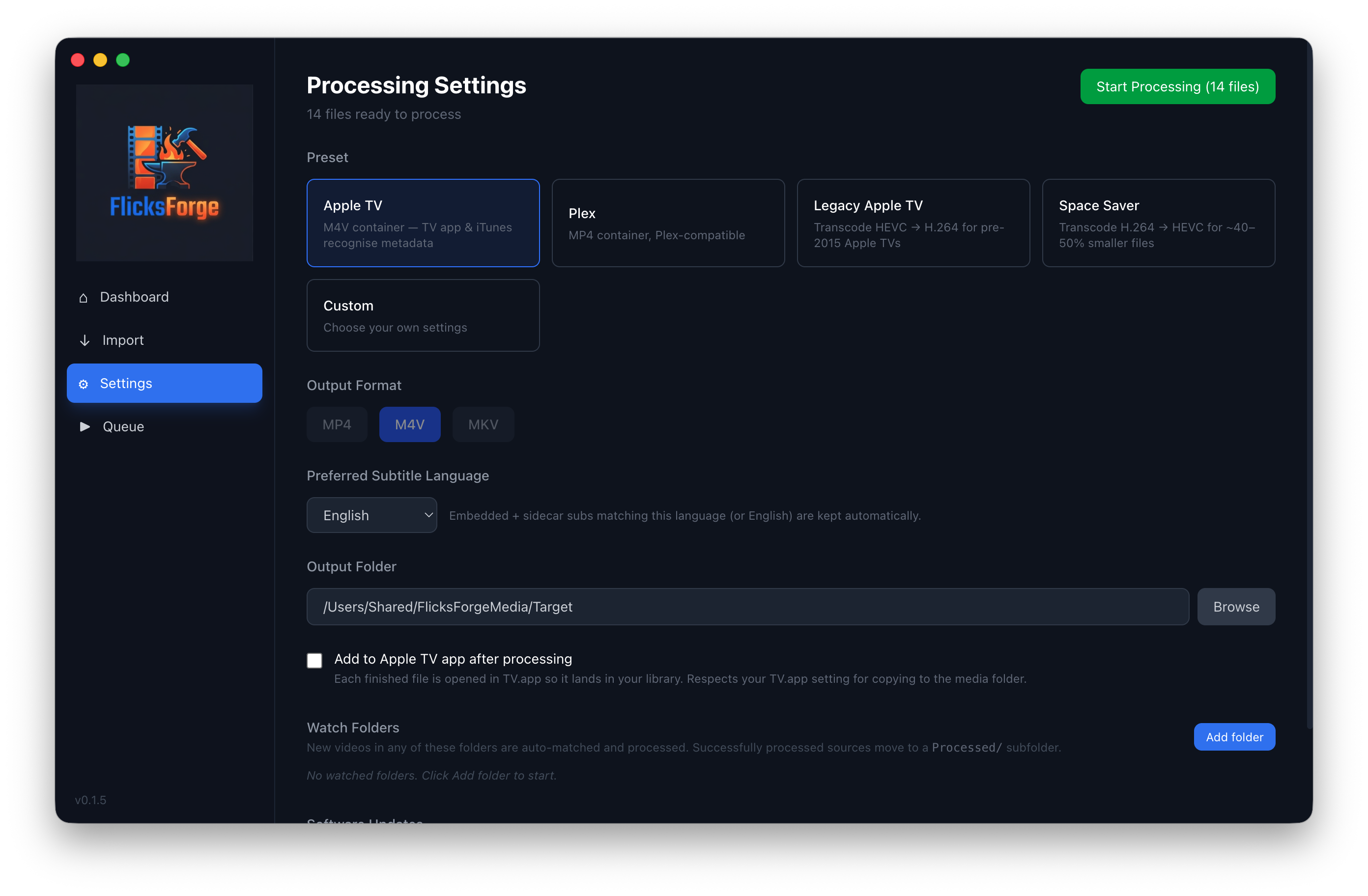
VideoToolbox HEVC → H.264 for older Apple TVs. 8× realtime on Apple Silicon. Software fallback on older Intel Macs happens automatically when needed.
Browse every TMDb poster variant, filter by language, paste a custom image from the clipboard, or drag-drop your own JPEG in.
Already MP4 or M4V? Skip the remux entirely. Five seconds on any file size. Forty-gigabyte Blu-ray rip or four-hundred-megabyte web rip — same time to tag.
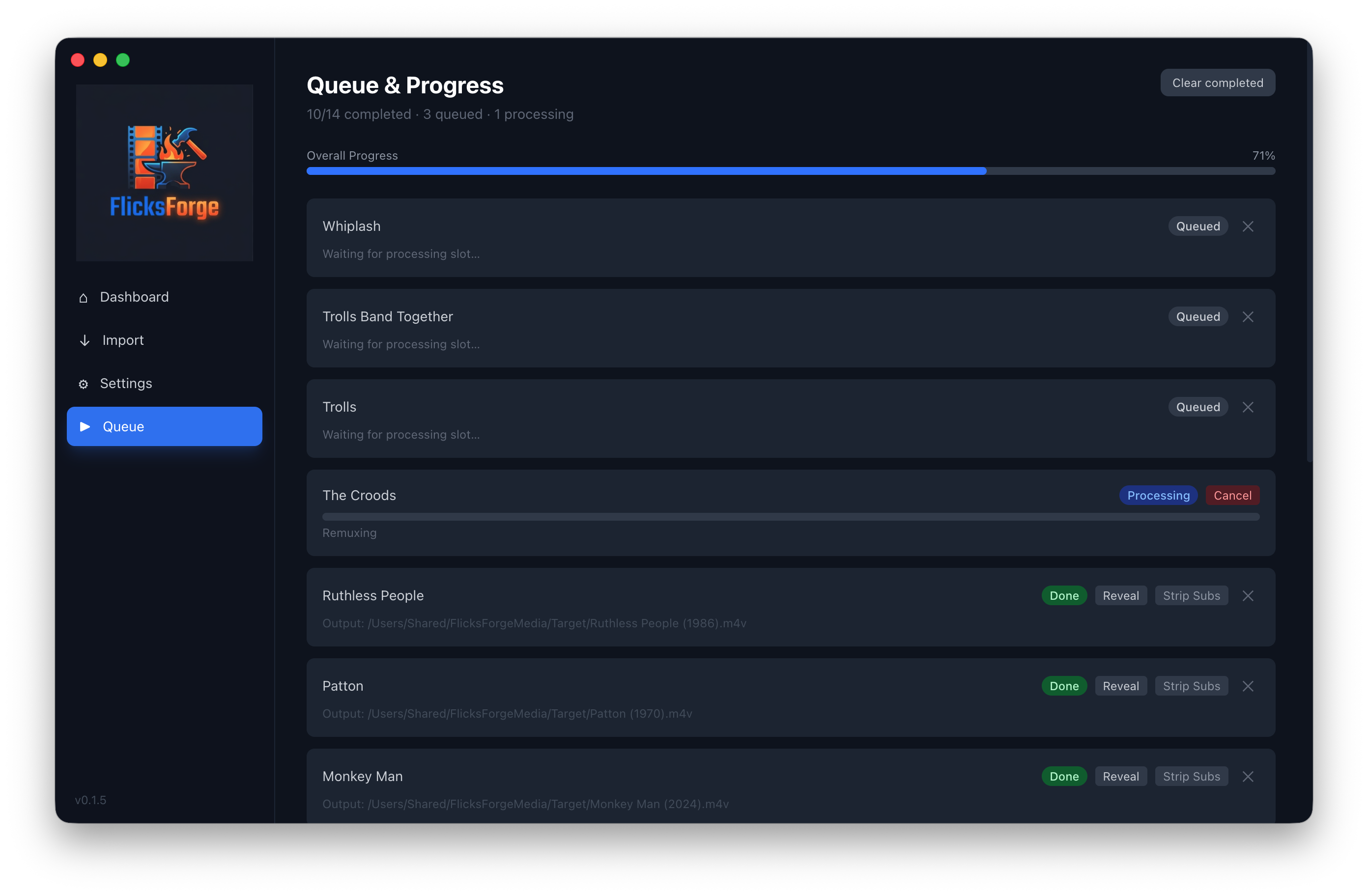
Tell FlicksForge to watch a download folder. New files get matched and filed away automatically. Uncertain matches wait for your review.
Got an MP4 from a sketchy source with malformed atoms? FlicksForge transparently re-remuxes through ffmpeg to produce a clean file before tagging.
Drop your .rule files in — they run unchanged. NSPredicate
parser, template tokens, conditional actions including AppleScript hooks.
Visual editor with dry-run preview. 15 community-curated rules ship as
defaults.
iFlicks has been a beloved tool for years. Its last major release was in 2021, and if you've been looking for an actively-developed alternative, FlicksForge picks up where it left off — same fast MP4 tagging, plus chapter markers, hardware transcoding, universal Intel + Apple Silicon support, and a proper artwork picker. Free today, and early adopters get permanent founders' pricing when paid plans arrive.
.rule files across — drop them in, they run unchanged in FlicksForge's rules engine.preset files — distribute processing settings to friends or other machines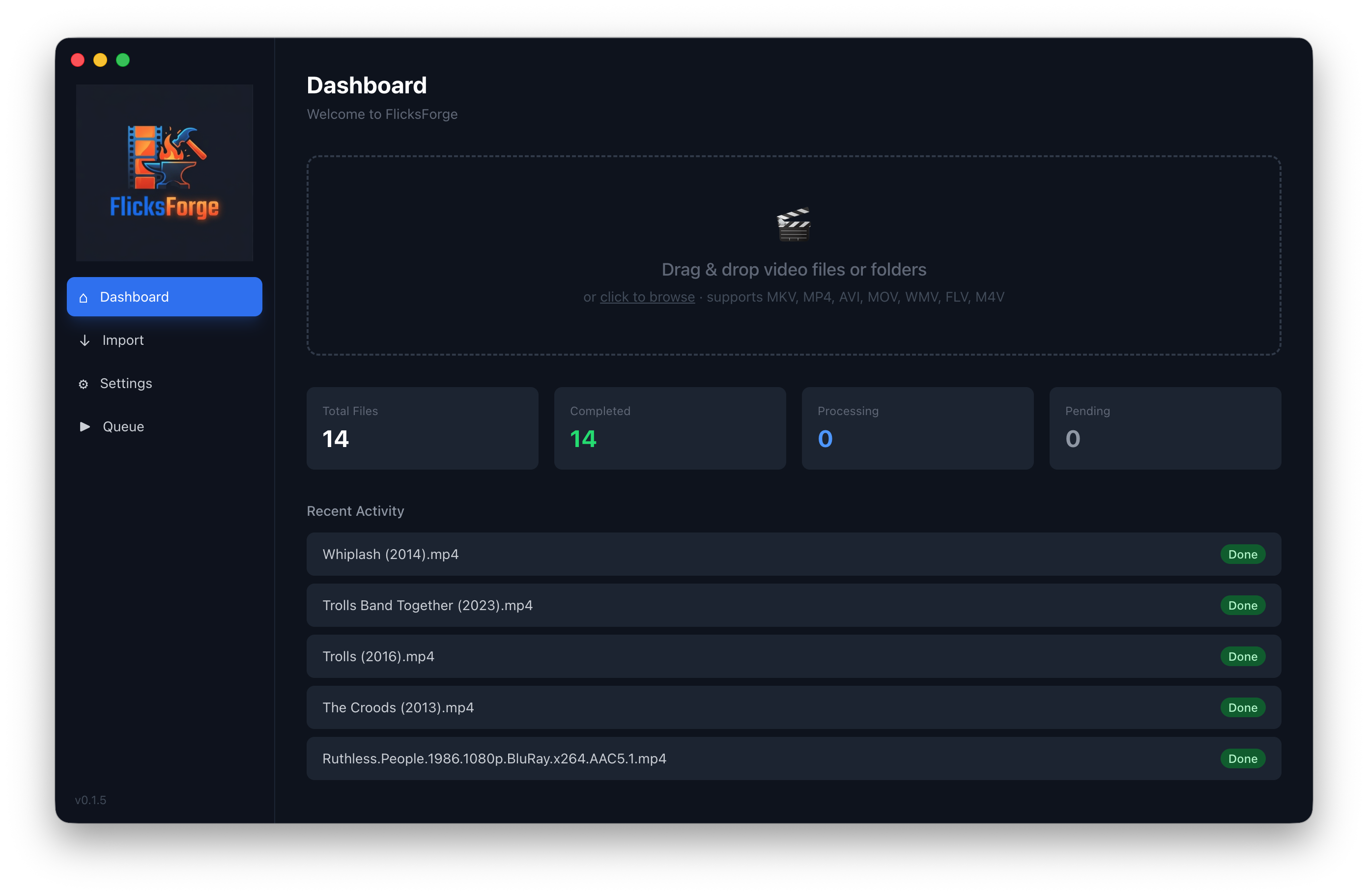
One download. Installs in seconds. Auto-updates quietly after that.
macOS: version 0.3.20 · universal build · ~300 MB · signed & Apple-notarized · requires macOS 11 Big Sur or later
Windows: version 0.3.20 · installer · ~150 MB · EV code-signed, no SmartScreen warnings · requires Windows 10 or 11 (64-bit)
✓ You're on the list.
You'll hear from us when paid plans launch — and, if you ticked the box, when a new version ships.
If there's something FlicksForge doesn't do yet, tell us: support@flicksforge.com. That's genuinely where most of the last month's work came from.
Yes — FlicksForge. iFlicks has been the go-to MP4 tagger on macOS for years,
but its last major release was in 2021. FlicksForge is an actively-developed,
free alternative that covers the same core workflow (auto-match on TMDb, embed
iTunes-style metadata + artwork, tag MP4 and M4V for Apple TV and Plex)
and runs your existing iFlicks .rule files unchanged
via a hand-rolled NSPredicate-subset parser.
It also adds things iFlicks didn't have: chapter markers from scene-change
detection, AppleScript action types for the rules engine, shareable
.preset files, a universal Intel + Apple Silicon build, a
Quick Tag path for in-place metadata updates, and auto-repair for
malformed source files.
Yes — drop your .rule files into the Rules page (or use the
Import .rule files… button) and they run unchanged.
FlicksForge ships with a hand-rolled NSPredicate-subset parser that handles
the same predicate syntax iFlicks does, the same template tokens
({title}, {year}, {showName}, etc.),
and the same conditional action types — set tag, set value, set filename,
set creation date, plus a new AppleScript hook.
15 community-curated rules ship in the app as defaults, so you can see how the engine works before importing your own. A visual row-based editor and a dry-run preview let you see exactly what a rule will do to a file before committing.
FlicksForge is free for everyone today — we're in our early-adopter phase while the product finds its audience. This isn't VC- funded; it's a sustainable indie project, and paid plans will arrive at some point (targeting 2027) to keep it viable long-term.
When that happens, users who installed during the early-adopter phase get permanent founders' pricing — a generous discount that won't be available to new users afterwards. Our way of saying thanks for being here first. Join the founders' list below if you'd like a heads-up before anyone else.
When paid plans launch, everyone who installed FlicksForge during the early-adopter phase (that includes you, if you download today) is entitled to a permanent discounted tier that new users after that point won't get. We haven't finalised the exact amount yet — but the intent is clear: early adopters took a chance on us, and that matters.
We'll announce the paid plans 6+ months before they go live, with generous transition terms for existing users. No "sorry, subscription starts tomorrow" emails. Optionally drop your email in the founders' list and we'll let you know directly when the time comes.
Drop the file onto FlicksForge's Dashboard, click Auto-Match, pick an output folder in Settings, and click Start Processing. FlicksForge looks the title up on TMDb, downloads artwork, writes iTunes atoms (title, description, genre, year, cast, director, content rating, HD flag), and files the tagged output into your chosen folder. Apple TV and Plex both read the resulting file out-of-the-box. For existing MP4s that just need metadata updated, the Quick Tag button tags in-place in a few seconds regardless of file size.
Three built-in ways. Source chapters are preserved automatically — MakeMKV Blu-ray rips and most decent sources already carry chapter atoms, and FlicksForge passes them through unchanged. For sources without chapters, open the file in the Metadata Editor and either auto-detect from scene changes (offline, takes a minute or two on a feature-length movie) or add them manually. You can also generate evenly-spaced markers for a quick structural pass, or paste a YouTube-style chapter list or OGM chapter file directly in.
For the tag-and-organize workflow, yes. FlicksForge covers what those tools do (iTunes-atom writing via AtomicParsley, TMDb-driven metadata, artwork embedding) and adds a modern UI, auto-matching, watch folders, chapter markers, and hardware-accelerated HEVC→H.264 transcoding. Subler remains strong for hand-editing individual iTunes atoms at a fine-grained level; FlicksForge is more opinionated about the "just do the right thing for Apple TV and Plex" use case.
Yes. The DMG is a universal binary that runs native on both Apple Silicon and Intel Macs. Minimum is macOS 11 Big Sur. Pre-T2 Intel Macs (2013–2017) fall back to software encoding for HEVC output automatically — slower, but works without user intervention.
No analytics SDKs, no account, no tracking between launches. The only network calls are to TMDb (to look up metadata), OpenSubtitles (when you click "Search"), and our own server to check for app updates. Your video files never leave your Mac.
That update check sends one thing about your installation: the version number you're running, so we can tell whether a fix has actually reached everyone. No identifier, nothing about your library. It's spelled out in the privacy policy.
No. FlicksForge writes tagged output into the output folder you choose; your source files are left completely untouched. The one exception is Quick Tag, which explicitly tags an existing MP4/M4V in place — only when you click that specific button.
Not yet as a standalone CLI, but the flicksforge:// URL scheme
lets you trigger file opens from Terminal, Apple Shortcuts, Automator, or
Keyboard Maestro. FlicksForge also installs a Tag with FlicksForge
entry in Finder's right-click → Services menu, so any selected video file
can be sent to FlicksForge for tagging without changing which app
actually opens the file by default.
Both macOS and Windows. The Mac build is a universal binary for
macOS 11+ (Intel and Apple Silicon); the Windows build is a
signed installer for Windows 10 and 11 (x64) with hardware-accelerated
transcoding via NVENC, QuickSync, or AMF — whichever your machine has.
Both cover the same core workflow, including iFlicks
.rule import and the Explorer / Finder right-click
"Tag with FlicksForge" integration. A couple of Mac-specific extras
(watch folders, AppleScript rule actions) aren't in the Windows version
yet. Linux isn't currently on the plan but could follow if there's demand.
That's the bundled "Set File Creation Date" rules (A7/A8) doing their job: they stamp the finished file with the movie's release date, so media servers and file browsers that sort by date order your library by release year — a workflow inherited from iFlicks. If you'd rather keep the actual processing date, open the Rules page and toggle off "A7 – Set File Creation Date < 1970" and "A8 – Set File Creation Date >= 1970". Files processed after that keep the current date.
Email support@flicksforge.com. Include the raw error text from the "Show details" link on any failed job — it tells us exactly what went wrong.